Financial Statement Formats
Create and manage the formats for financial statement report.
Learn how to Build Financial Statements.
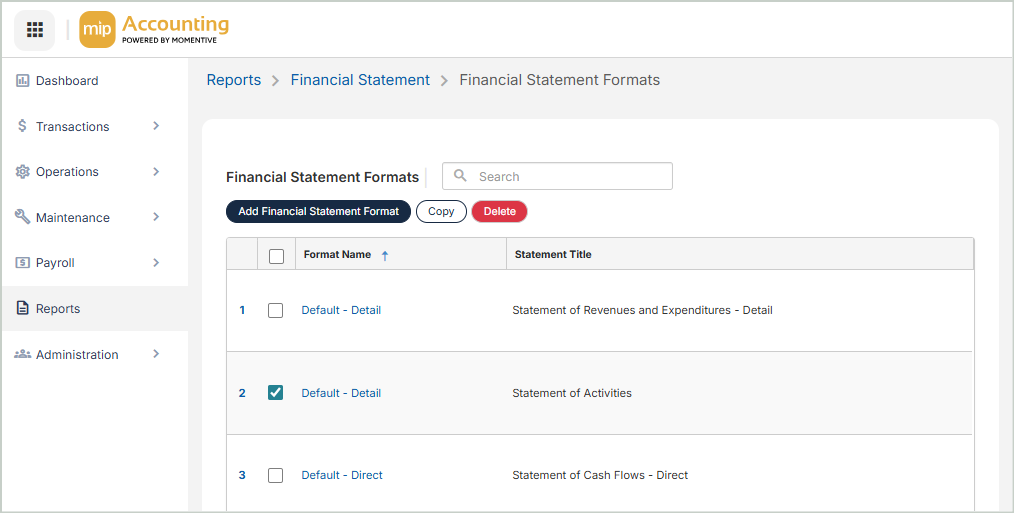
Financial Statement Formats Grid
The Financial Statement Formats grid includes the following columns:
Statement Title: The Financial Statement Format title
Statement Type: The Financial Statement Format type
Description: The Financial Statement Format description
System Format: 'Yes' for system Financial Statement Formats. System Financial Statement Formats cannot be selected for copying or deletion.
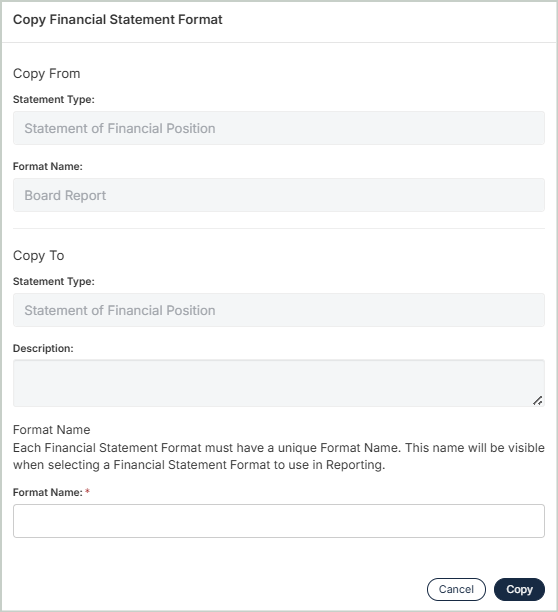
Copy Financial Statement Formats
You can create an exact duplicate of an existing financial statement format. Simply select the format copy from and enter a new name to copy to. Once you select Copy, you'll be taken to the Statement Format Builder to configure your format.
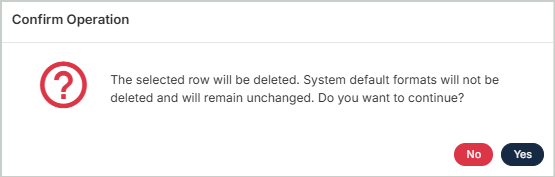
Delete Financial Statement Formats
Before deleting a record, ensure you’ve selected the correct record you want to remove from the system. Deletion is permanent and cannot be undone.