Reports
MIP Reports provide flexible reporting options that allow you to:
-
Use System Default reports
-
Create custom reports of your own
-
Drilldown into report values
Note: System Default reports are the starting point for building custom reports. To create your own custom report, start with a System Default report that closely matches your needs, then copy and save it as a new report to modify.
Reports Overview
Watch this video overview to learn how to navigate reports and build custom reports of your own. You can also register for self-paced courses on reporting through our university.
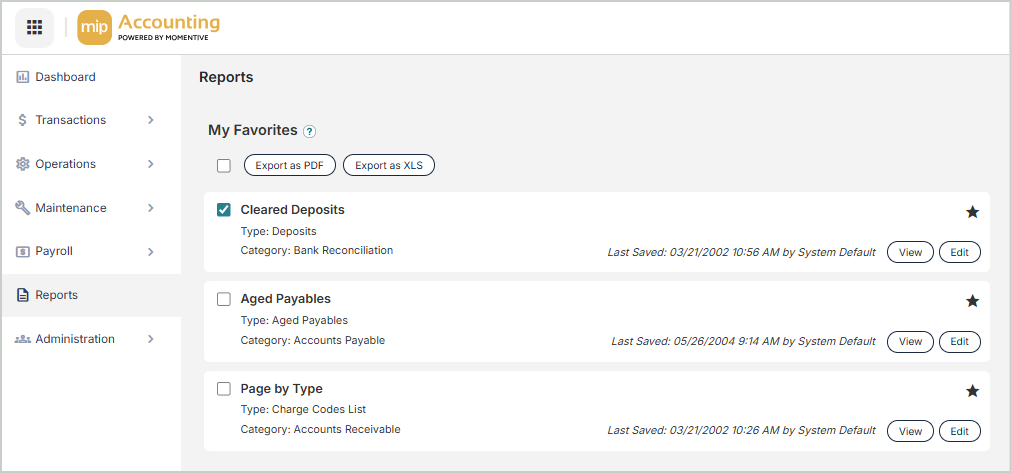
My Favorites
Use My Favorites to tag your most commonly used reports so they appear at the top of the page to easily view, edit, and export.
To tag a report as a favorite, select the star icon next to a specific report.
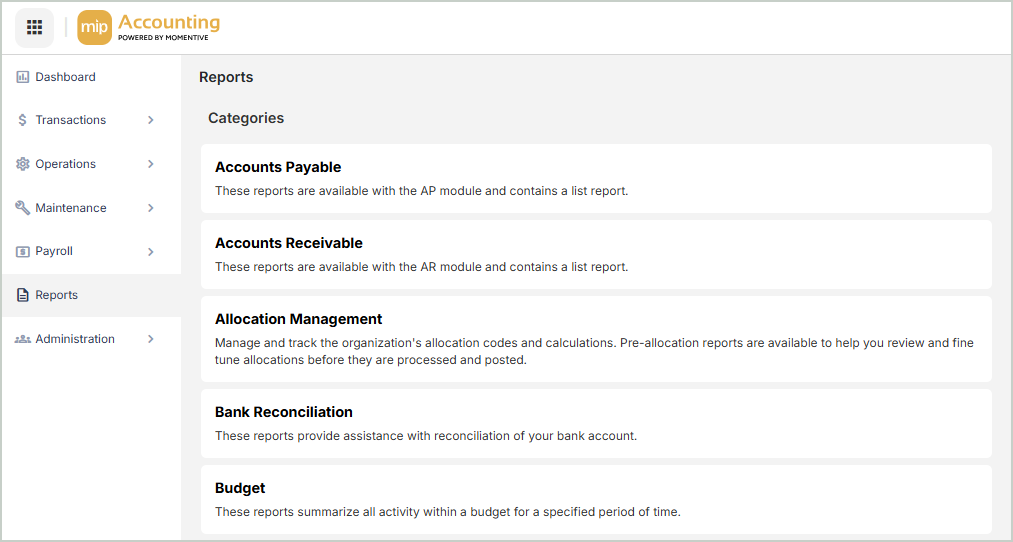
Report Categories
1. Select a Category to view a list of all the Report Types available under that category.
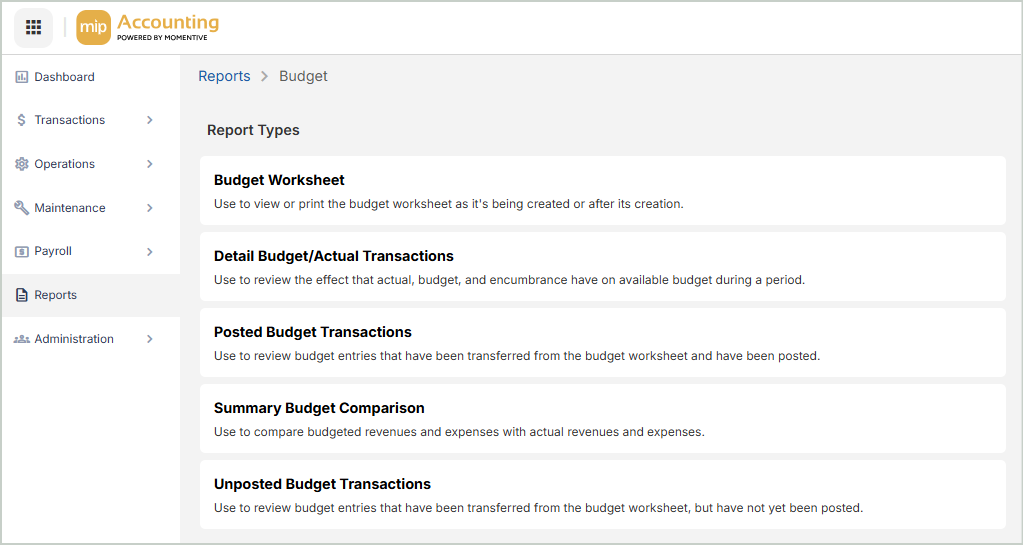
Report Types
2. The next page displays the list of Report Types available. Select a Report Type to proceed.
Report by Types
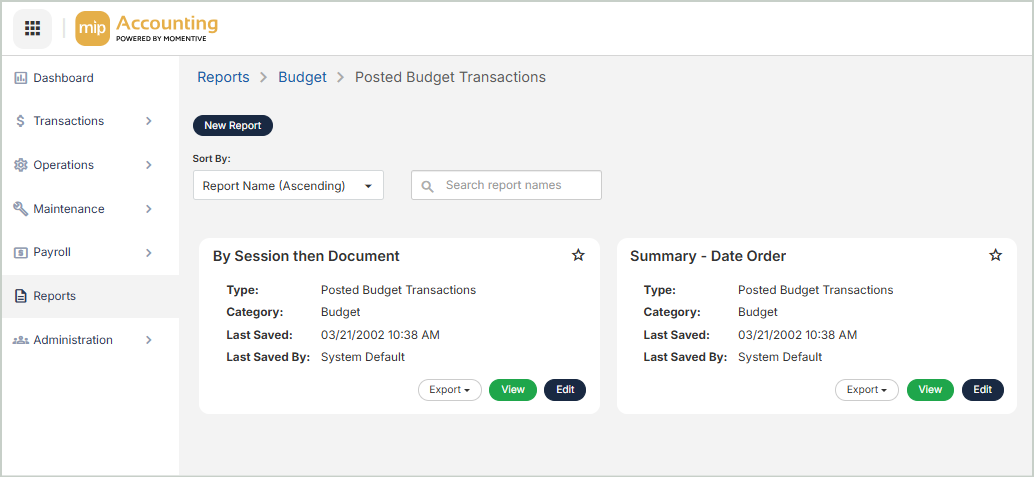
3. The final page displays the list of reports for the report type you selected. Create a New Report or Edit an existing report to open the Report Builder.
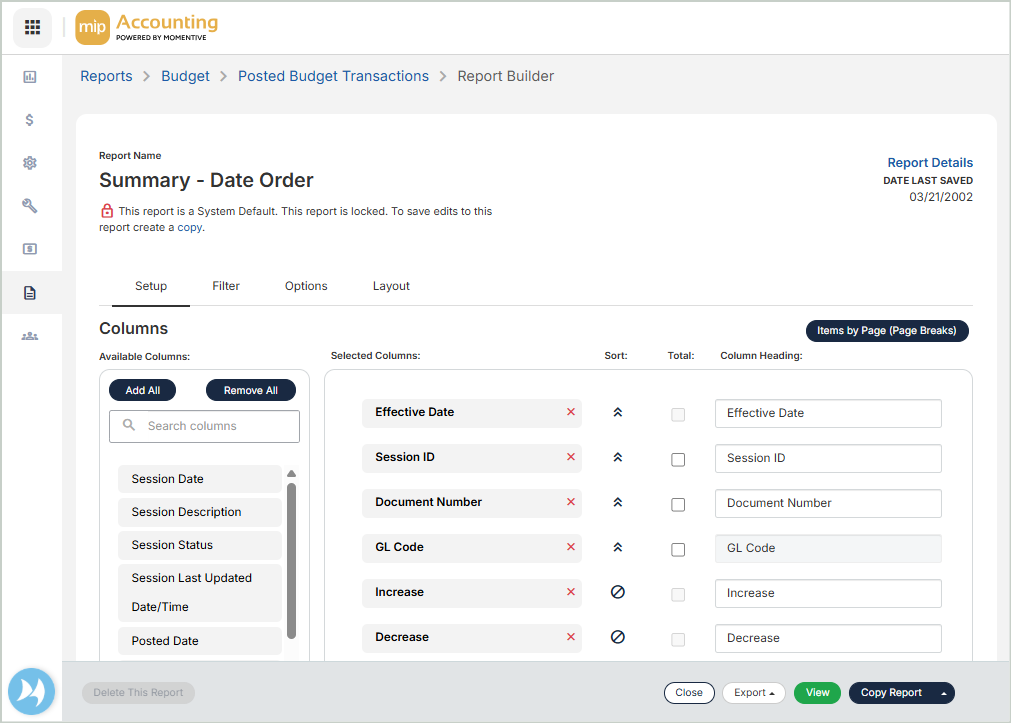
Report Builder
4. After you select New Report or Edit an existing report, you'll land in the Report Builder where you can configure your report.