Report Groups
Create report groups that summarize account balances by grouping account codes under designated titles. When printing reports, you can choose to display balances summarized by group. Each report group belongs to a group set, and you can create multiple group sets for flexibility in reporting. Only included account codes are shown on the report when using report groups.
Learn how to Add / Edit Report Groups.
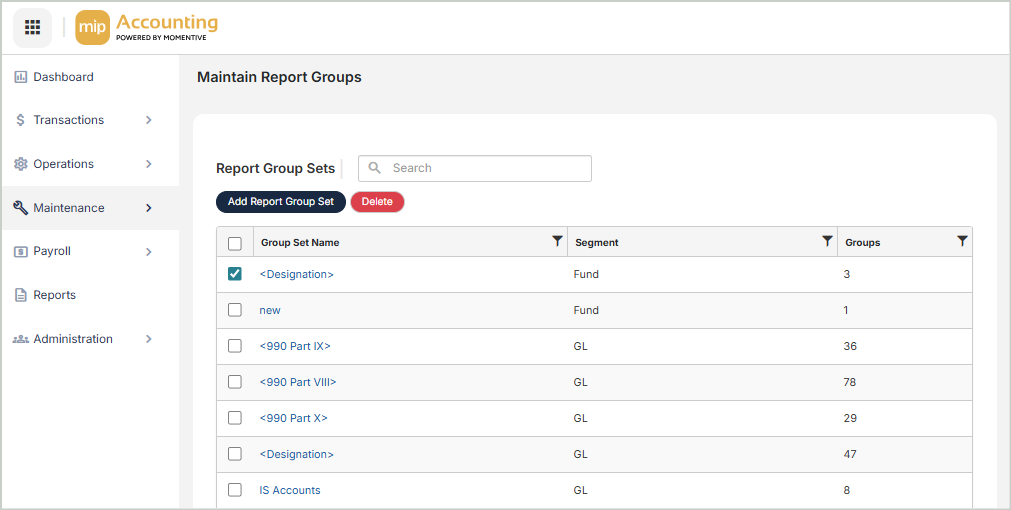
Report Groups Grid
The Report Groups grid includes the following columns:
Group Set Name: The name of the report group set. Select a name to edit the report group.
Segment: The associated account code segment name
Groups: The number of report groups associated with the report group set
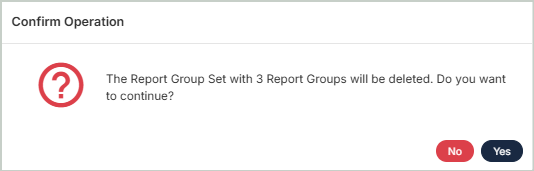
Delete Report Groups
Before deleting a record, ensure you’ve selected the correct record you want to remove from the system. Deletion is permanent and cannot be undone.