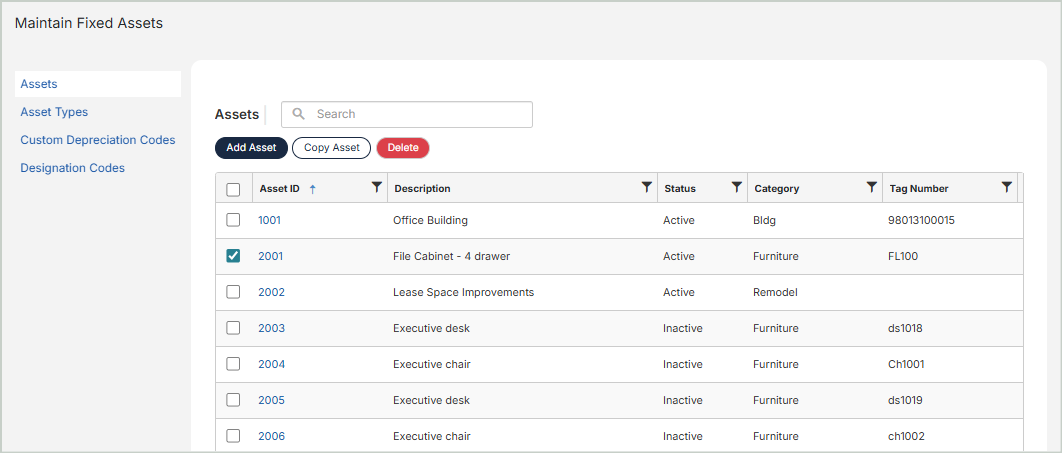
Assets
Add new assets and manage existing assets.
Learn how to Add New Assets or View & Update Current Assets.
Copy Assets
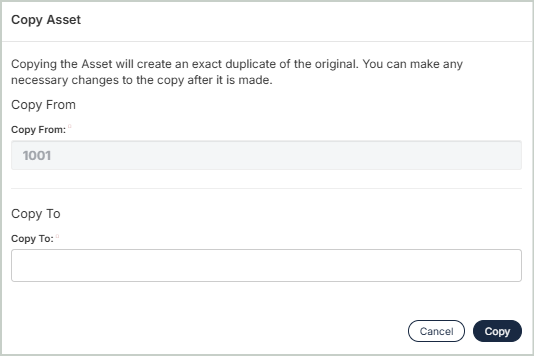
You can create an exact duplicate of an existing asset. Simply select the asset to copy from and enter a new name to copy to. Once you select Copy, you'll be taken to the new asset's profile.
Note: When copying an asset, External System Depreciation and Historical Information from the original asset are not carried over to the new asset.
Delete Assets
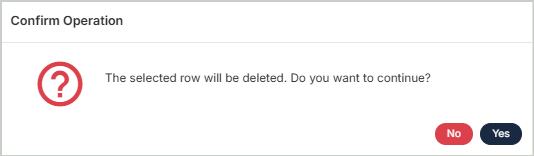
Before deleting a record, ensure you’ve selected the correct record you want to remove from the system. Deletion is permanent and cannot be undone.