Budget Worksheets
Use the Budget Worksheet to generate or enter budget amounts for specific budget versions and periods. Build as many worksheets as needed, all of which can exist simultaneously or at different points in the fiscal year.
Learn how to Add Budget Worksheets, Edit Budget Worksheets, or Adjust Posted Budgets.
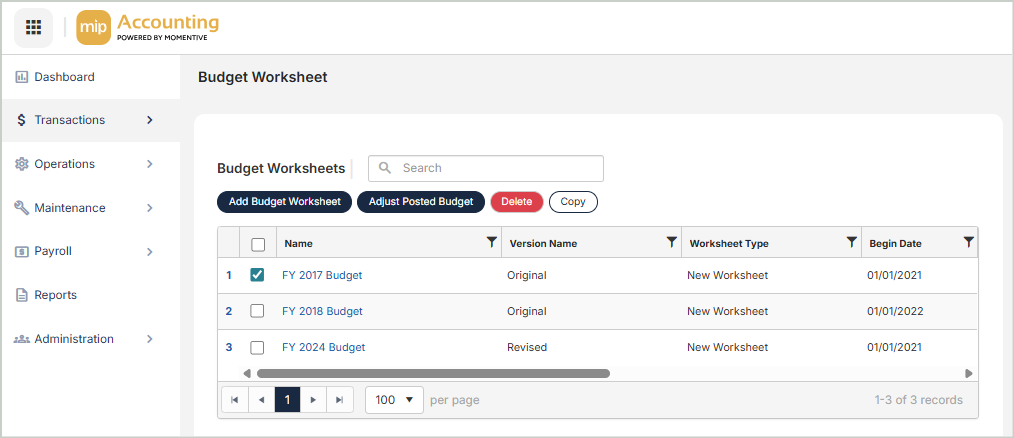
Budget Worksheets Grid
The Budget Worksheets grid includes the following columns:
Name: The name of the worksheet
Version Name: The worksheet version name
Worksheet Type: The type of worksheet
Begin Date: The budget worksheet begin date
Ending Date: The budget worksheet ending date
Budget Type: The type of budget worksheet
Transferred: The budget worksheet transfer status
Session ID: The transferred budget worksheet session ID
Posted: The budget worksheet posting status
Copy Worksheets
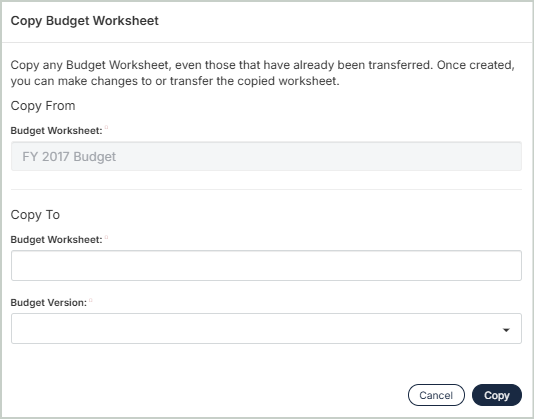
You can create an exact duplicate of an existing worksheet, even those that have already been transferred. Simply select the worksheet to copy from and enter a new name to copy to. Once you select Copy, you'll be directed to the budget worksheet editor.
Delete Worksheets
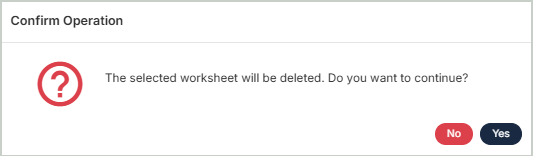
Before deleting a worksheet, ensure you’ve selected the correct record you want to remove from the system. Deletion is permanent and cannot be undone.