Set Up Codes
Before you begin entering purchase orders, set up the codes your organization will use for shipping and billing addresses, and for the items you purchase regularly. Taking time to build out these libraries upfront saves time on every order and reduces errors.
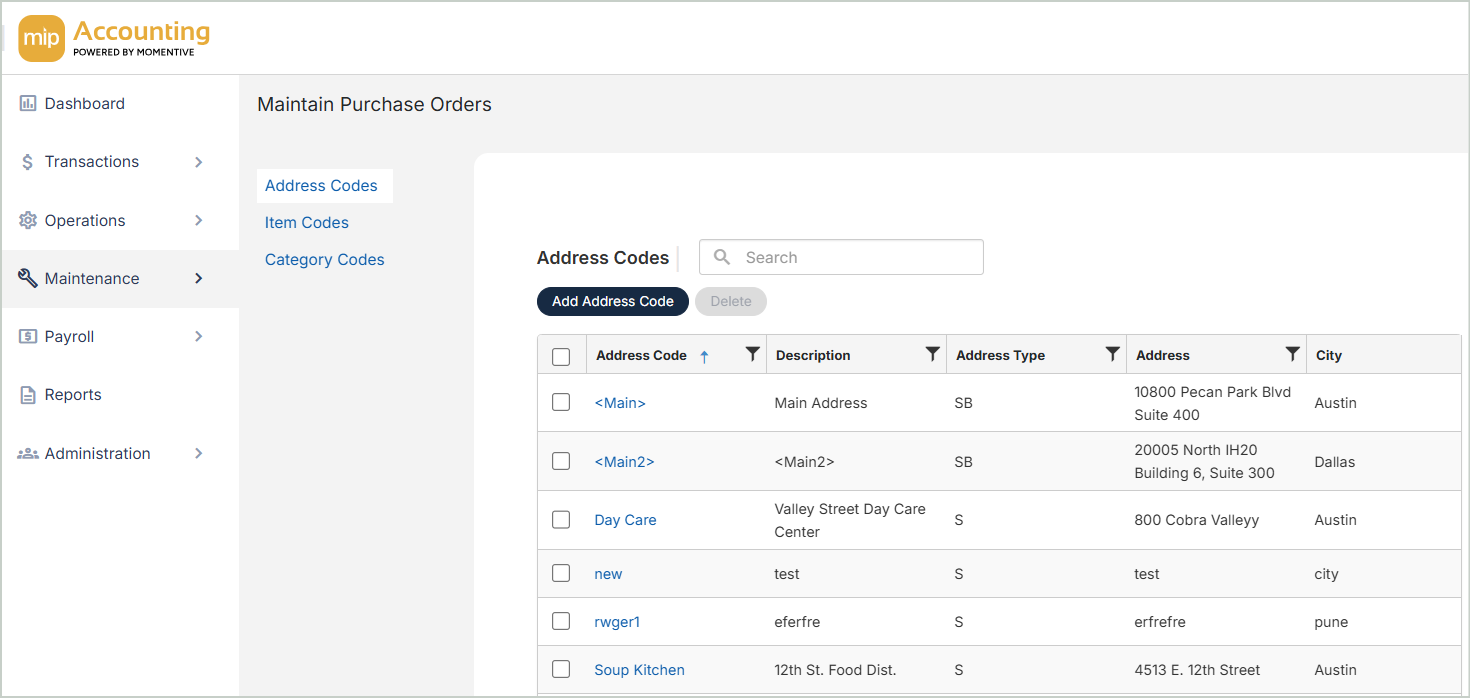
Address Codes
Address codes define the shipping and billing locations your organization uses on purchase orders. A shipping address is where goods should be delivered; a billing address is where the vendor sends the invoice. A single address code can serve as both.
Item Codes
Item codes represent goods and services your organization orders frequently. Each item code can store a default description, unit of measure, unit price, and GL account coding — so when you add a line item to a purchase order, the details populate automatically.
Category Codes
Category codes group related item codes together. When creating a purchase order, selecting a category filters the list of available item codes down to just that group — useful when your item library is large.